BitBucket
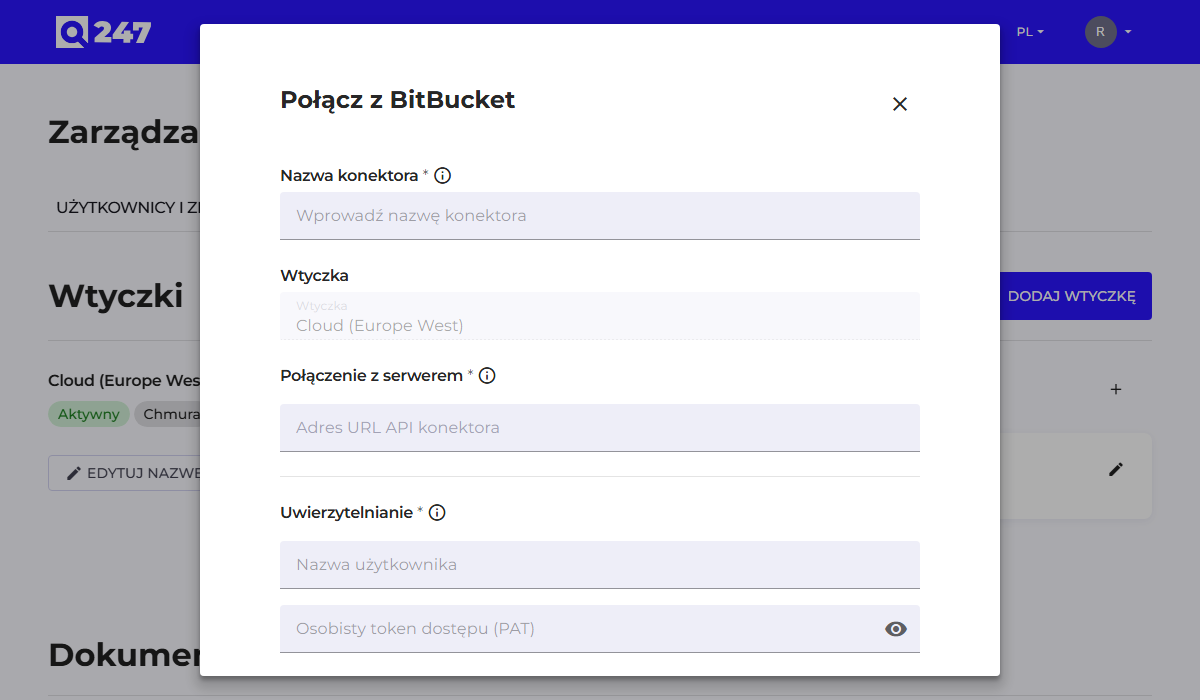
Standard connector form, described in general in Connectors. Both Bitbucket Cloud and Bitbucket Data Center and Server are supported.
| Field | What to enter | Example |
|---|---|---|
| Connector API URL | the instance's API address | https://bitbucket.company.com/rest/api/1.0 |
| Username | the service account's login | q247-service |
| Personal access token | a token with read permission | $$BITBUCKET_TOKEN |
Instead of entering the login and token directly, you can point to environment variables on the plugin host, using the notation $$BITBUCKET_USER and $$BITBUCKET_TOKEN. How this works and the conditions for it are described in Connectors.
The service account needs read permission for both projects and repositories. Permission at the repository level alone is enough to establish a connection, but the connector will skip repositories from projects the account does not have access to. The symptom is an incomplete list with an Operational status.
In Bitbucket Data Center, the token is generated in the user profile, in the Personal access tokens section, with Read permission for projects and repositories.
See also
- Connectors: the common form, token permissions, statuses
- Running code analysis: what to do after saving the connector