Azure DevOps
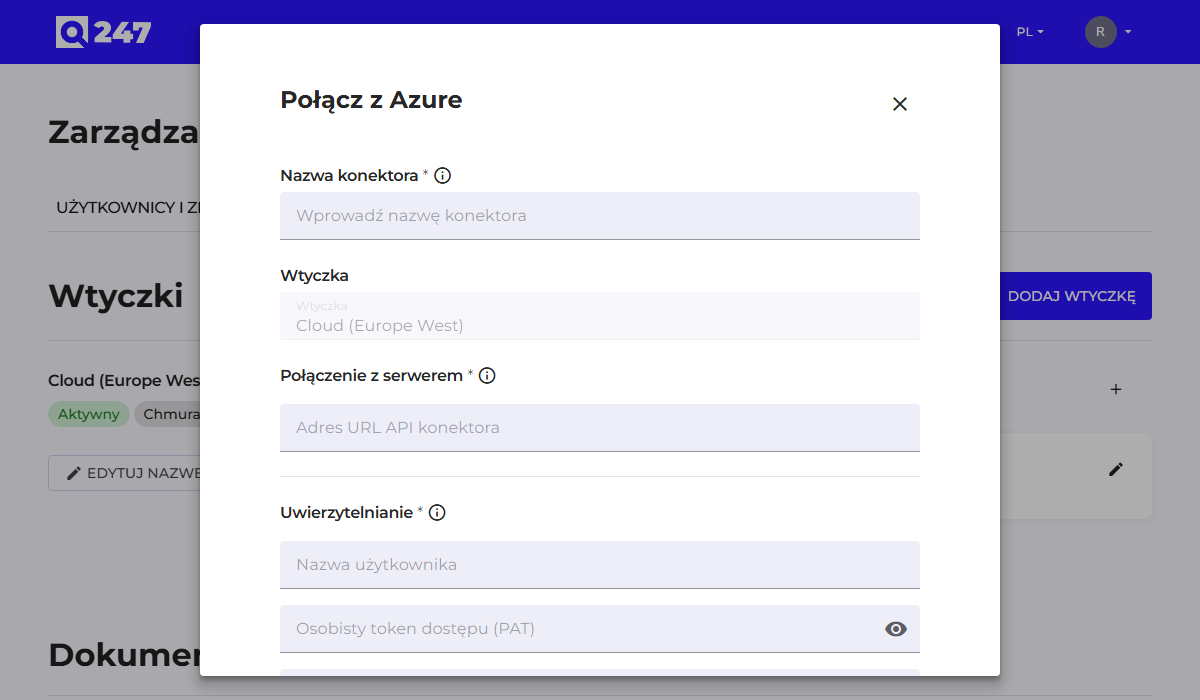
Standard connector form, described in general in Connectors, with one difference: the Organization ID field is required here. This is the only connector type where the connection cannot be saved without this value.
| Field | What to enter | Example |
|---|---|---|
| Connector API URL | the fixed Azure DevOps service address | https://dev.azure.com |
| Organization ID | the Azure DevOps organization name, the one from the dev.azure.com/{organization} address | firma |
| Personal access token | a token with permission to read code | $$AZURE_TOKEN |
The token field also accepts an environment variable name with the $$ prefix, as in the example above. The variable must exist on the plugin host, and the details of this mechanism are described in Connectors.
The token is generated in Azure DevOps, in the user settings, in the Personal access tokens section. The Code: Read scope is enough; broader permissions add no extra function.
The account the token was created on must have access to all the Azure DevOps projects whose repositories are to be analyzed.
See also
- Connectors: the common form, token permissions, statuses
- Running code analysis: what to do after saving the connector