Version v2.4.0

Version 2.4.0 is the biggest release in Q247's history. We're introducing Polish language support, the first version of our AI assistant, and we've completely rebuilt the organization management module and the entire permissions system. We've added the ability to assign projects to teams, move repository data between projects, and export CSV data for the entire organization for further analysis in BI tools. The release also includes many smaller UX improvements, bug fixes, and optimizations.
Below you will find a detailed description of the most important changes.
Multilingual Support – Polish Language
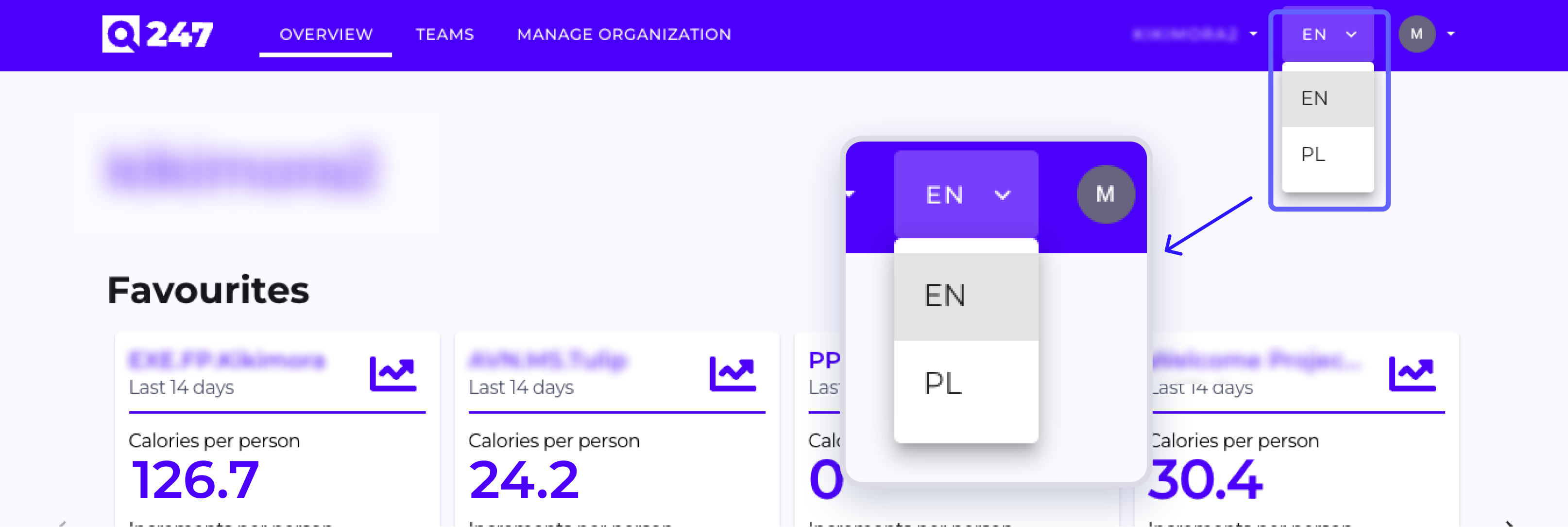
We introduced multilingual support in the Q247 platform. As the first additional language, we're making Polish available. Users select the interface language in their profile settings.
The translation covers all key elements of the application – navigation, forms, system messages, and feature descriptions. Technical names remain in English to maintain consistency with source documentation.
First AI Assistant in Q247 (Beta, Available for Selected Customers)
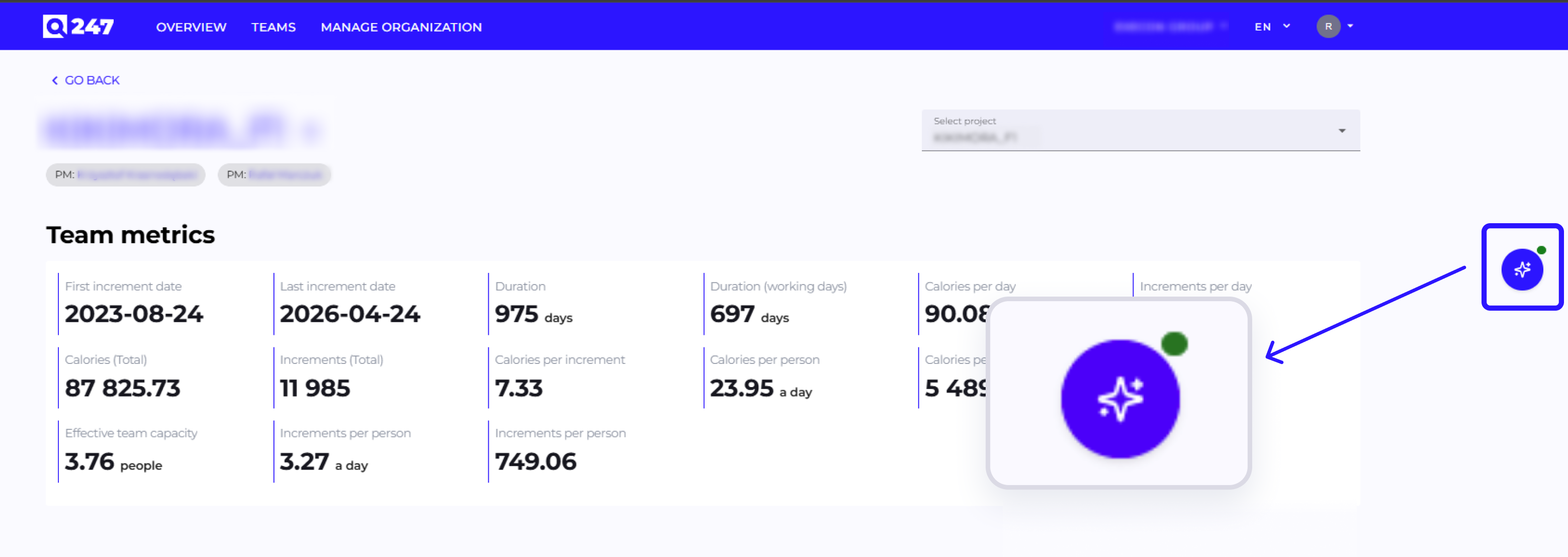
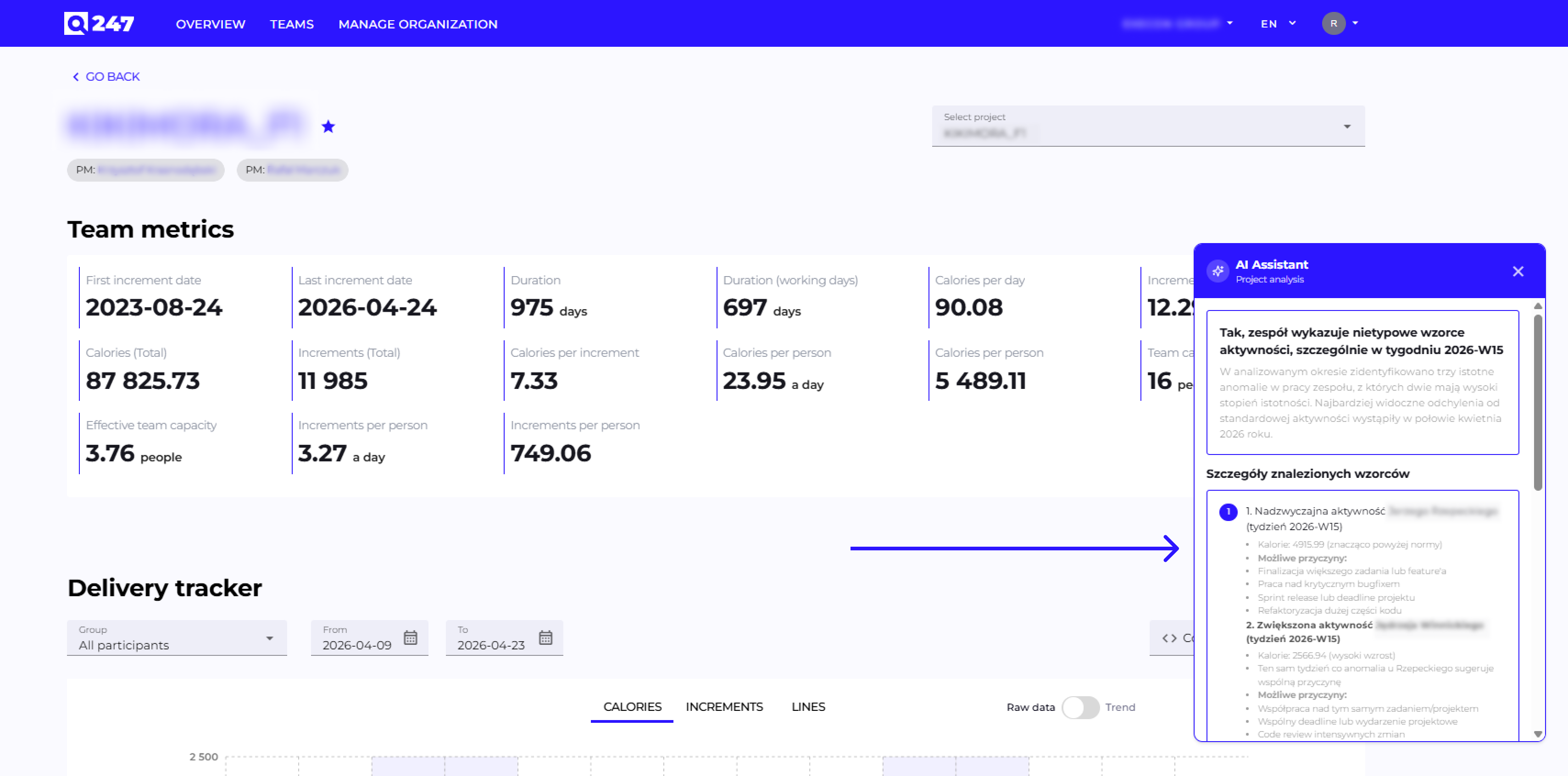
We're launching the first version of the AI Assistant built into the Q247 platform. The feature works in the context of a selected project and serves as a starting point for the broader AI capabilities we're developing in upcoming releases.
The AI assistant helps managers and application users in their daily work and understanding the data visible in Q247.
Rebuilt Organization Management
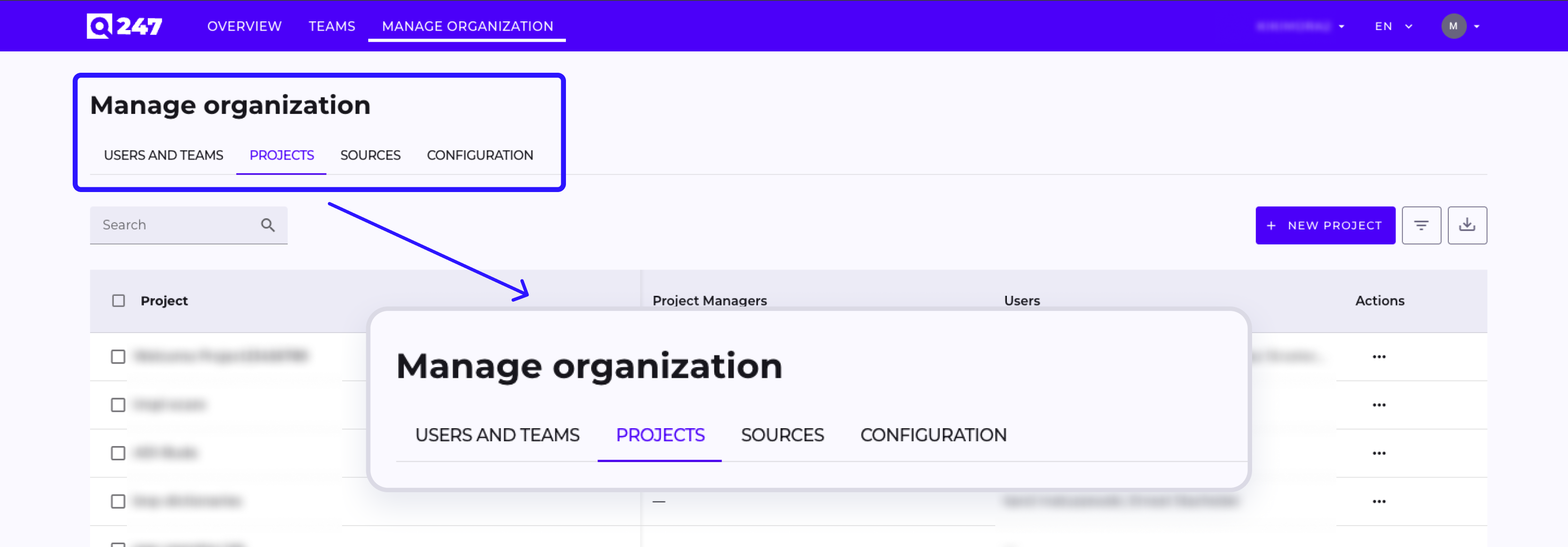
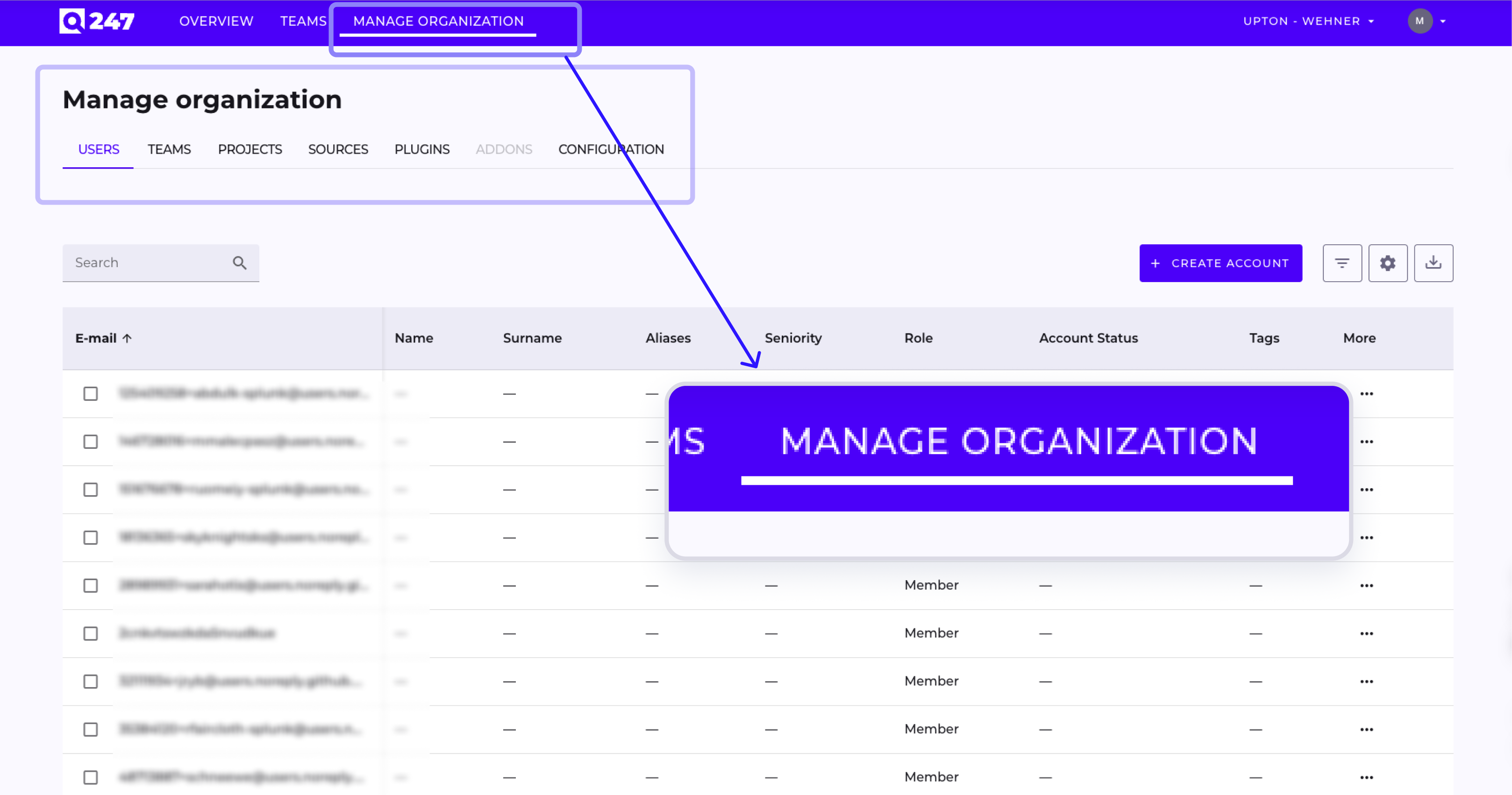
We've thoroughly rebuilt the Manage Organization module. The new interface is visually consistent, faster to use, and better reflects the actual structure of work in our customers' organizations.
New Projects Tab (Manage Organization)
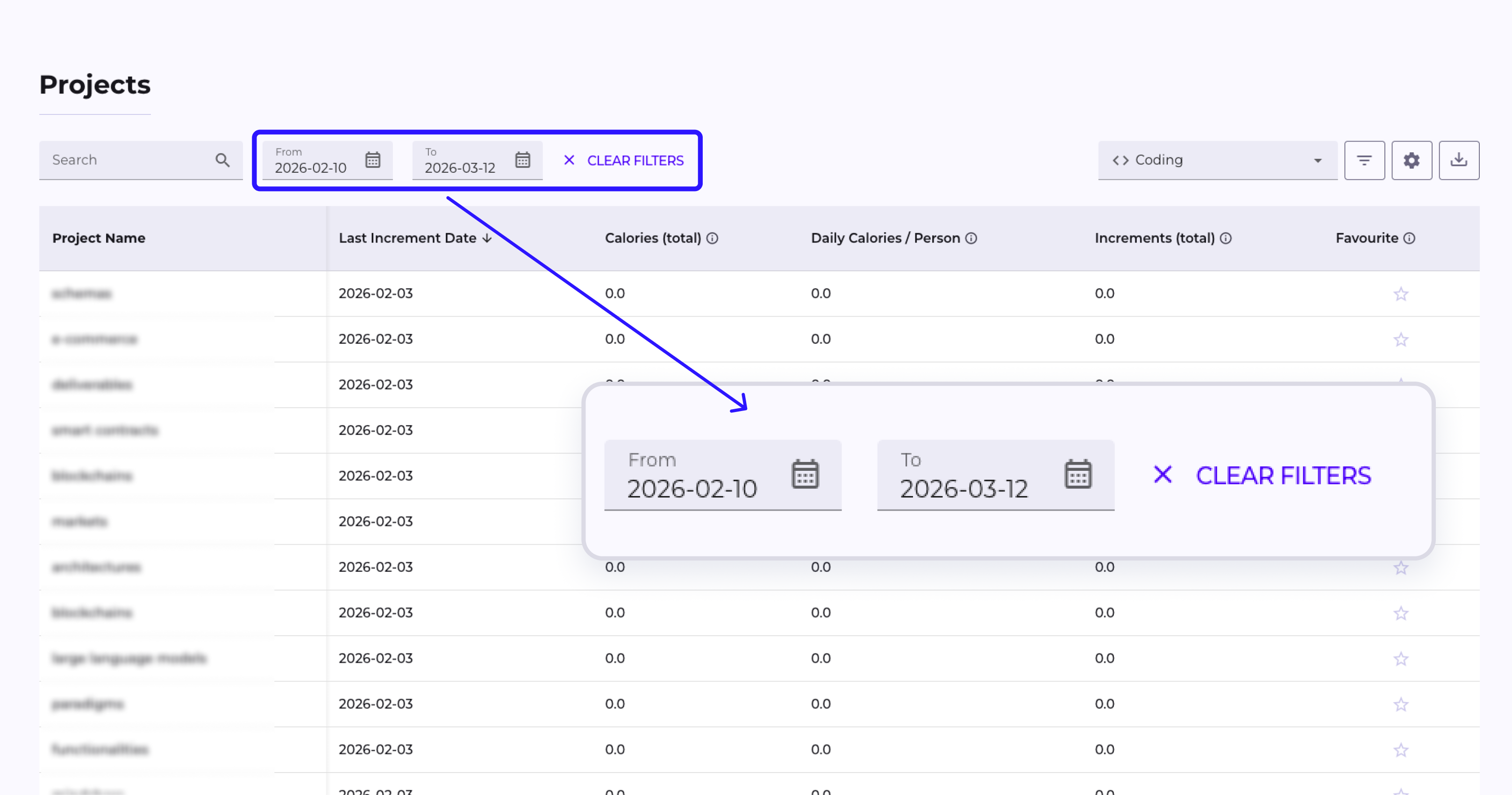
We redesigned the organization's project list view:
- new project table,
- sorting by Project Managers and Users columns,
- a dedicated Assign Project Managers form enabling bulk assignment of PMs to multiple projects at once,
- a form for creating new projects.
New Single Project Management View
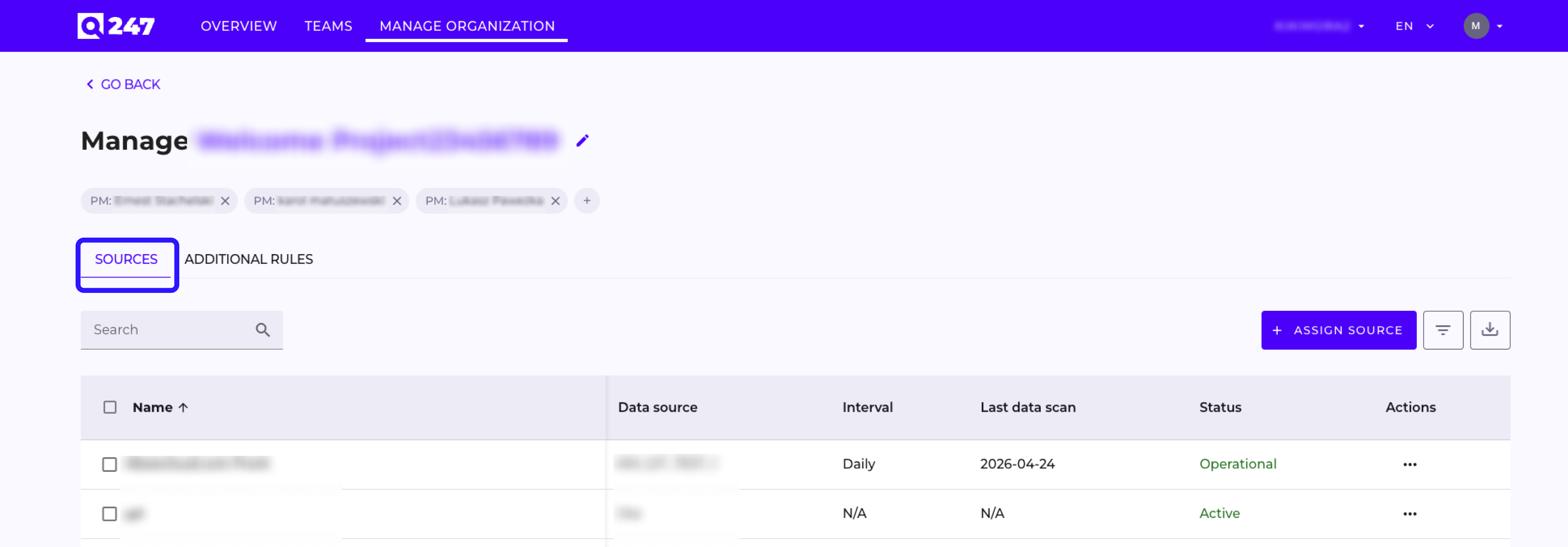
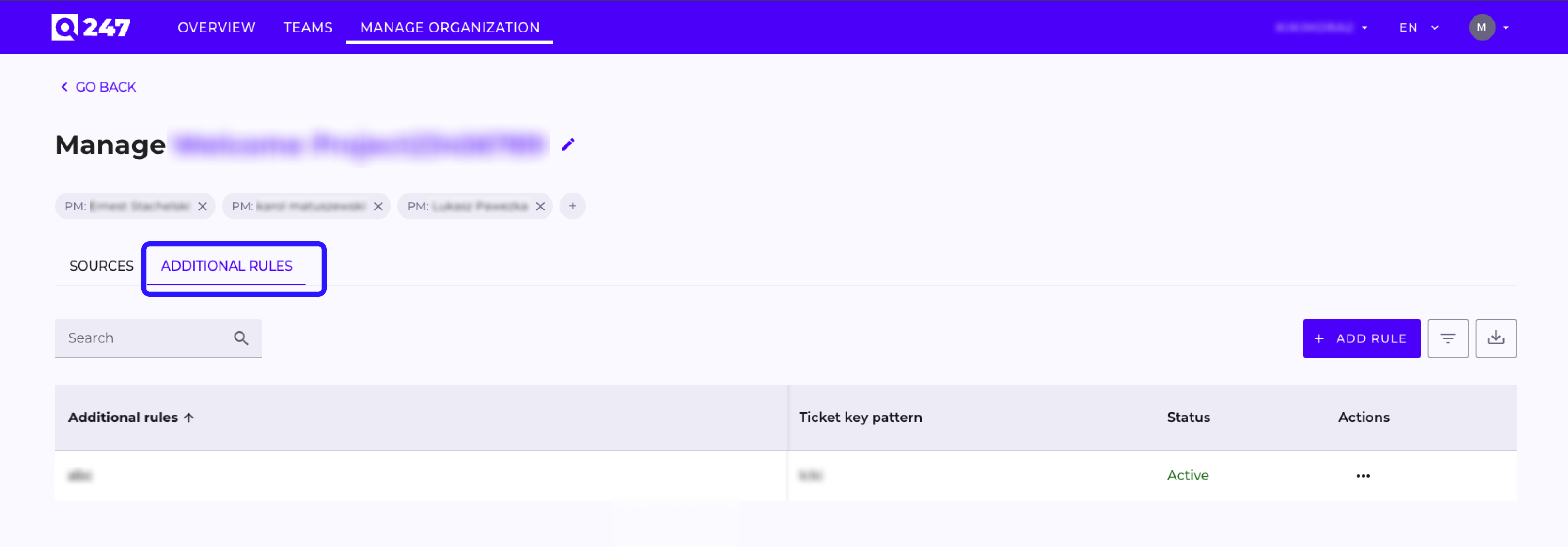
We added a dedicated project management view with Sources and Additional Rules tabs. From this level, an administrator can:
- start, stop, and set the scanning interval for repositories (also as bulk operations),
- assign sources to the project (e.g. Jira, Confluence, GitLab),
- add, edit, and remove Additional Rules, which are used to assign commits to a project based on a pattern in the commit message field,
- rename the project (the change is immediately visible across all views).
New Sources Tab
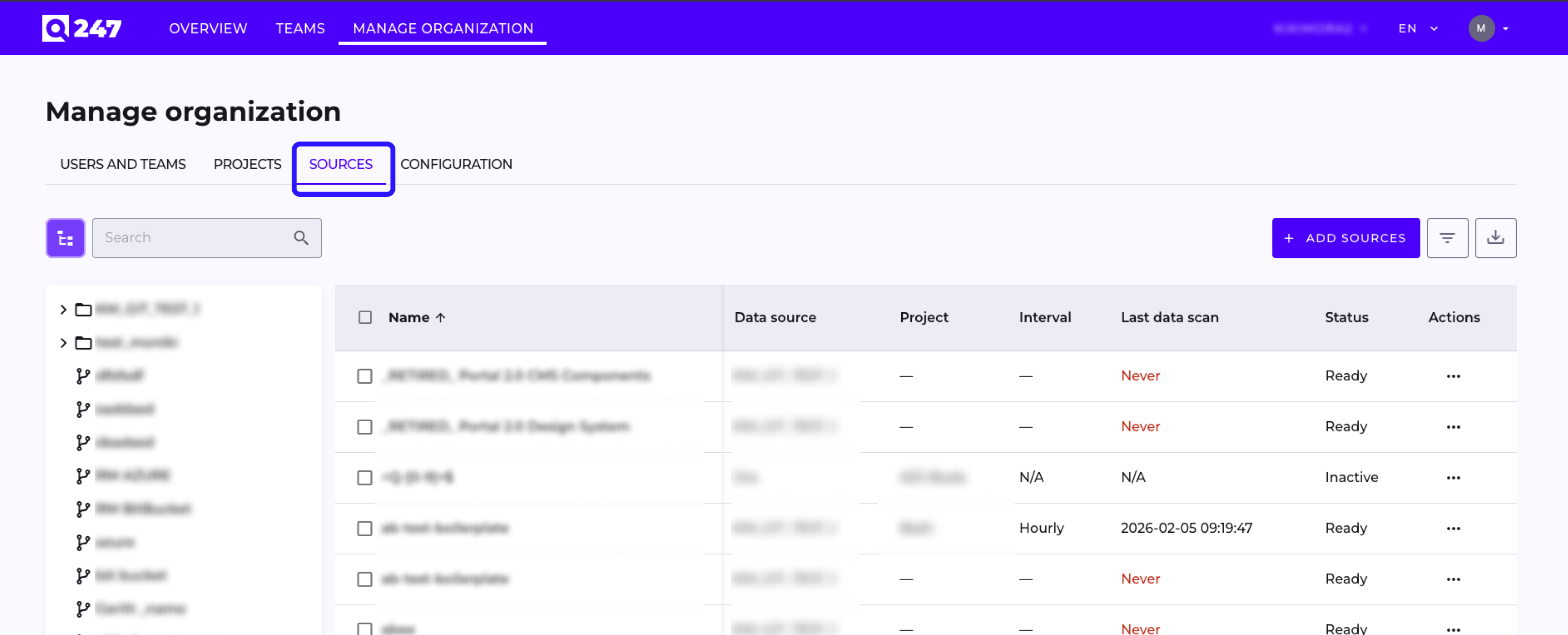
We introduced a separate Sources tab in Manage Organization, displaying all data sources in the organization – regardless of which project they are assigned to. From this level, bulk actions are available: starting and stopping scanning, adding new sources, and assigning sources to projects.
New Configuration Tab – Connector Management
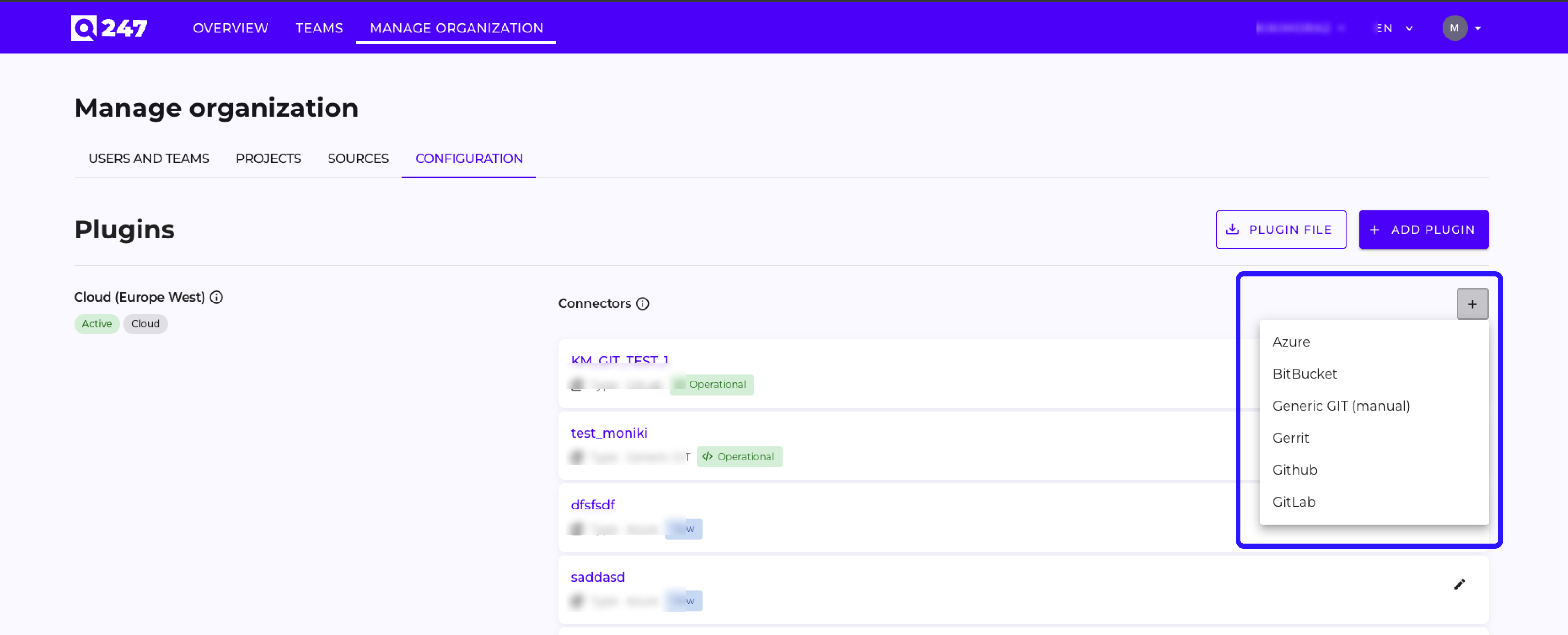
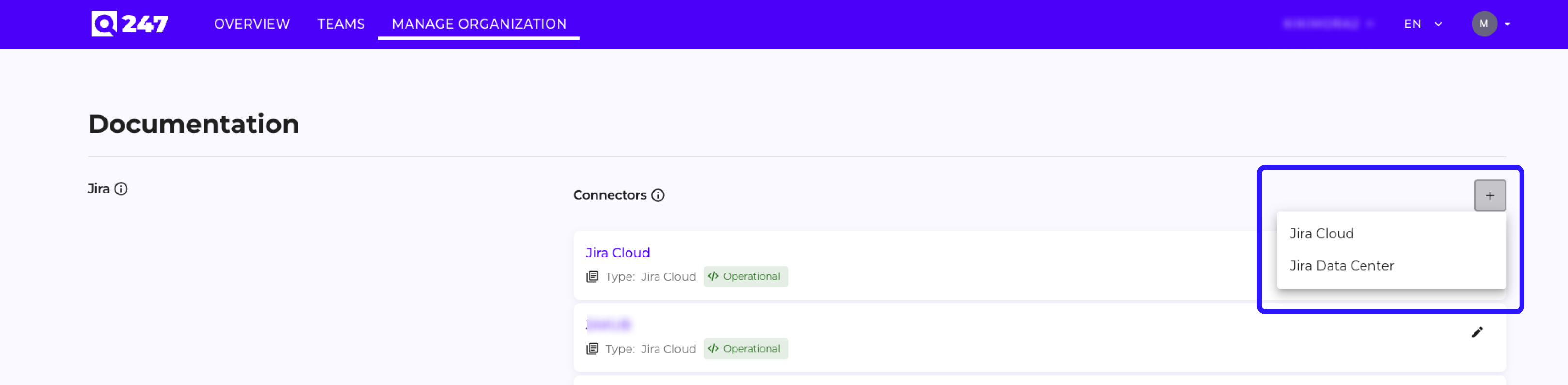
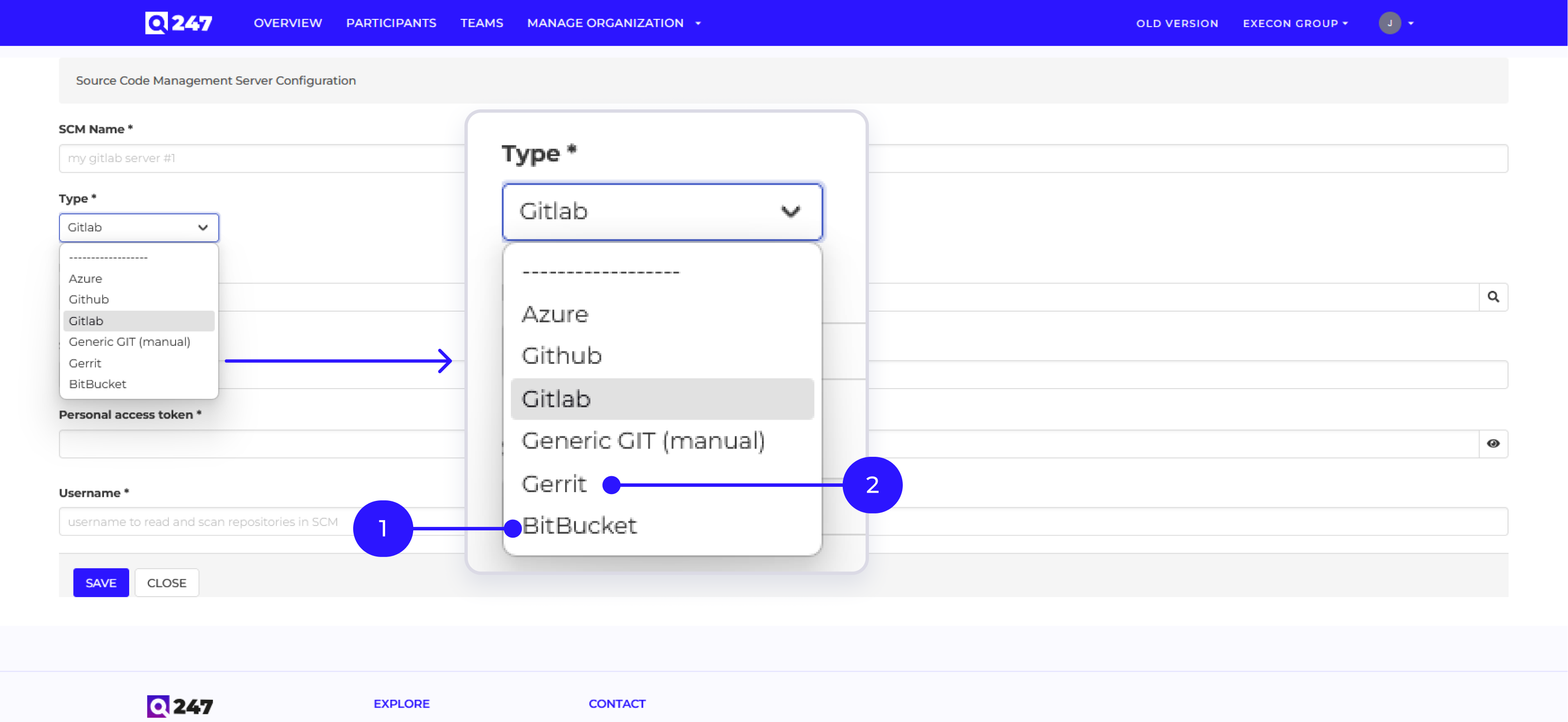
A new Configuration tab has appeared in Manage Organization, where administrators manage connectors to external systems (Jira, Jira & Tempo Cloud, GitLab, GitHub, Bitbucket, Azure DevOps, Gerrit). Forms for adding and editing connectors have been unified, and required fields are clearly marked.
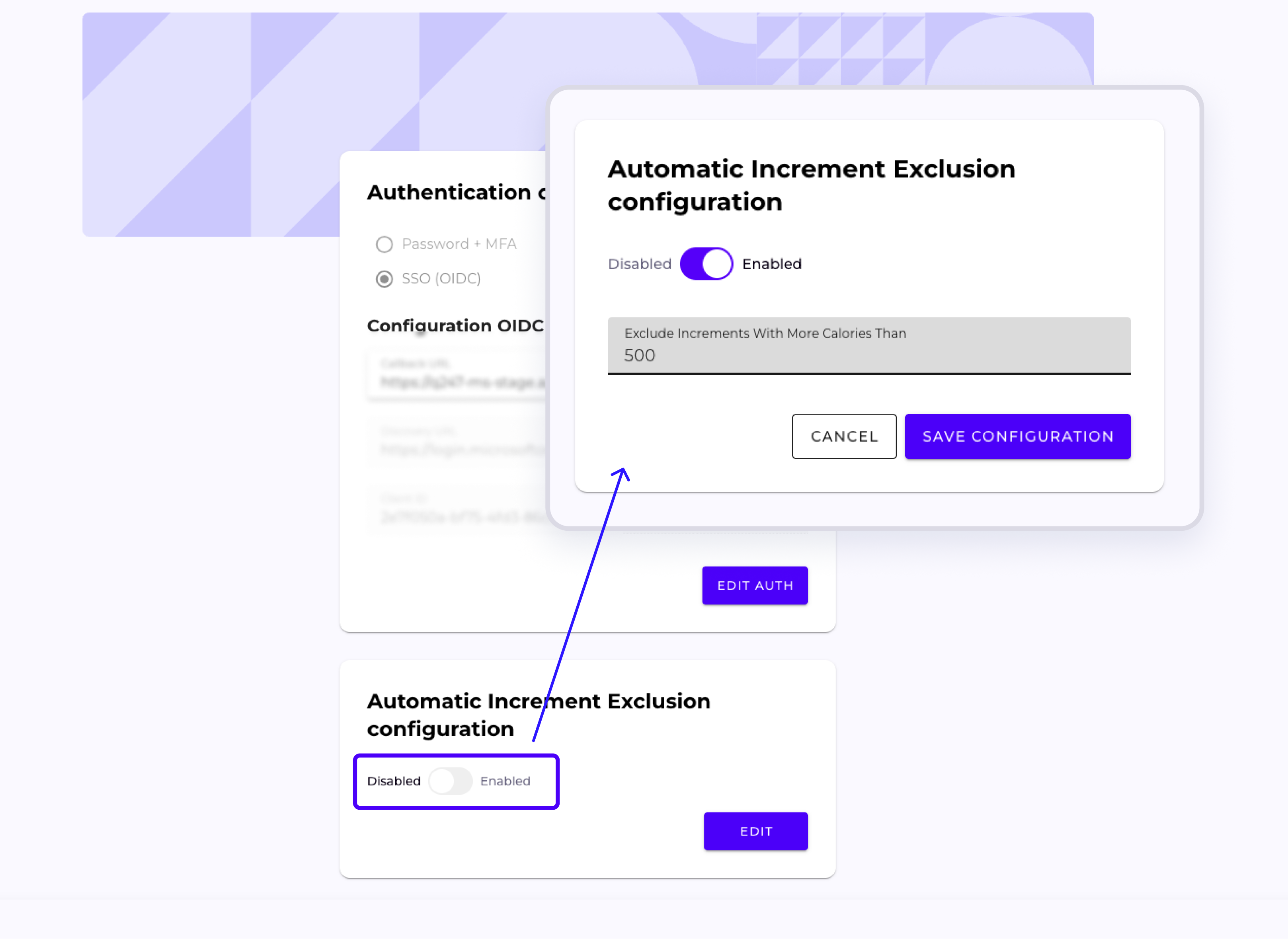
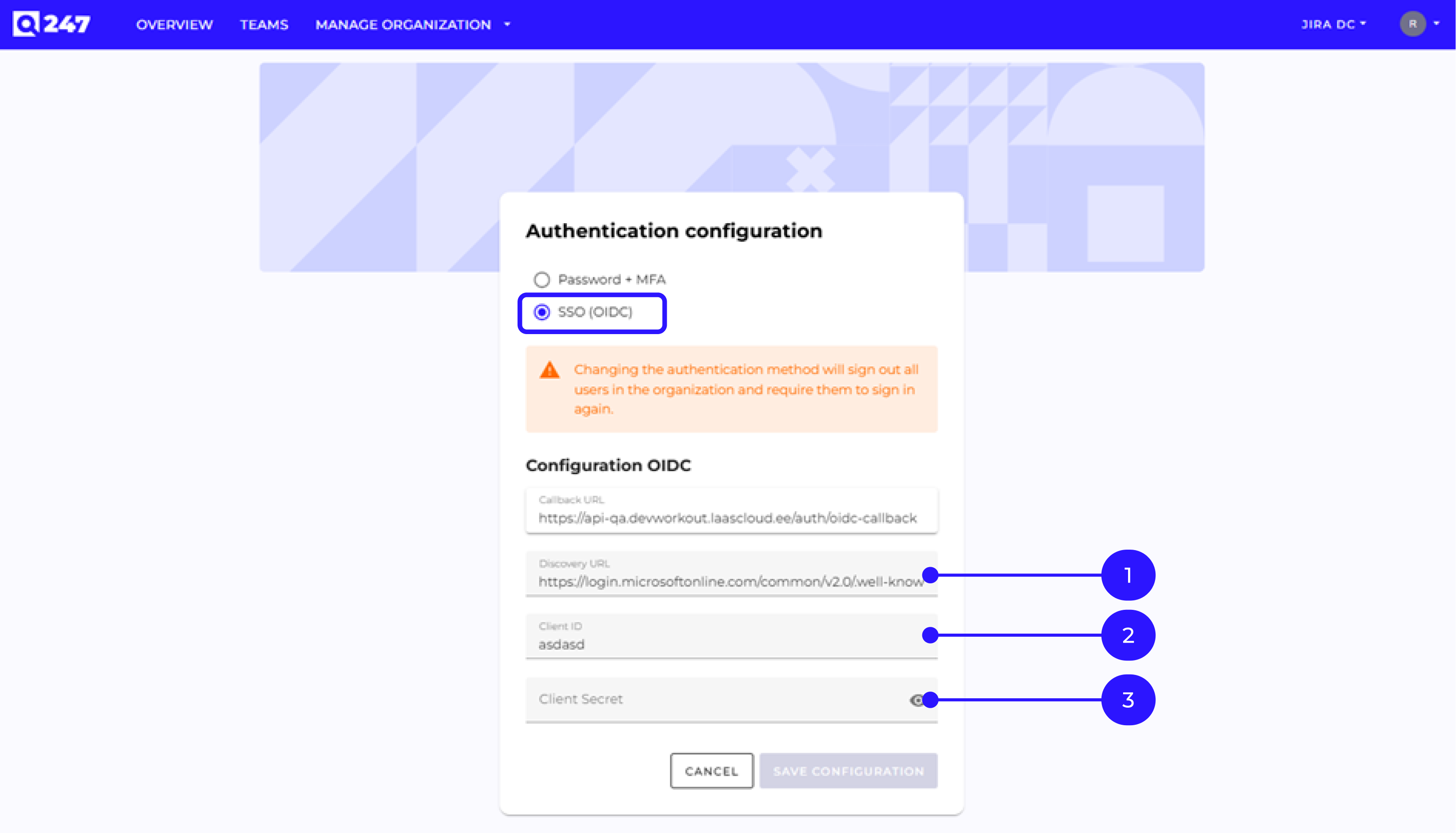
Additionally, we moved the management of other application elements to this tab, such as SSO configuration and defining the calorie threshold above which a commit is automatically hidden.
Managing Organization Structure – Teams Tab
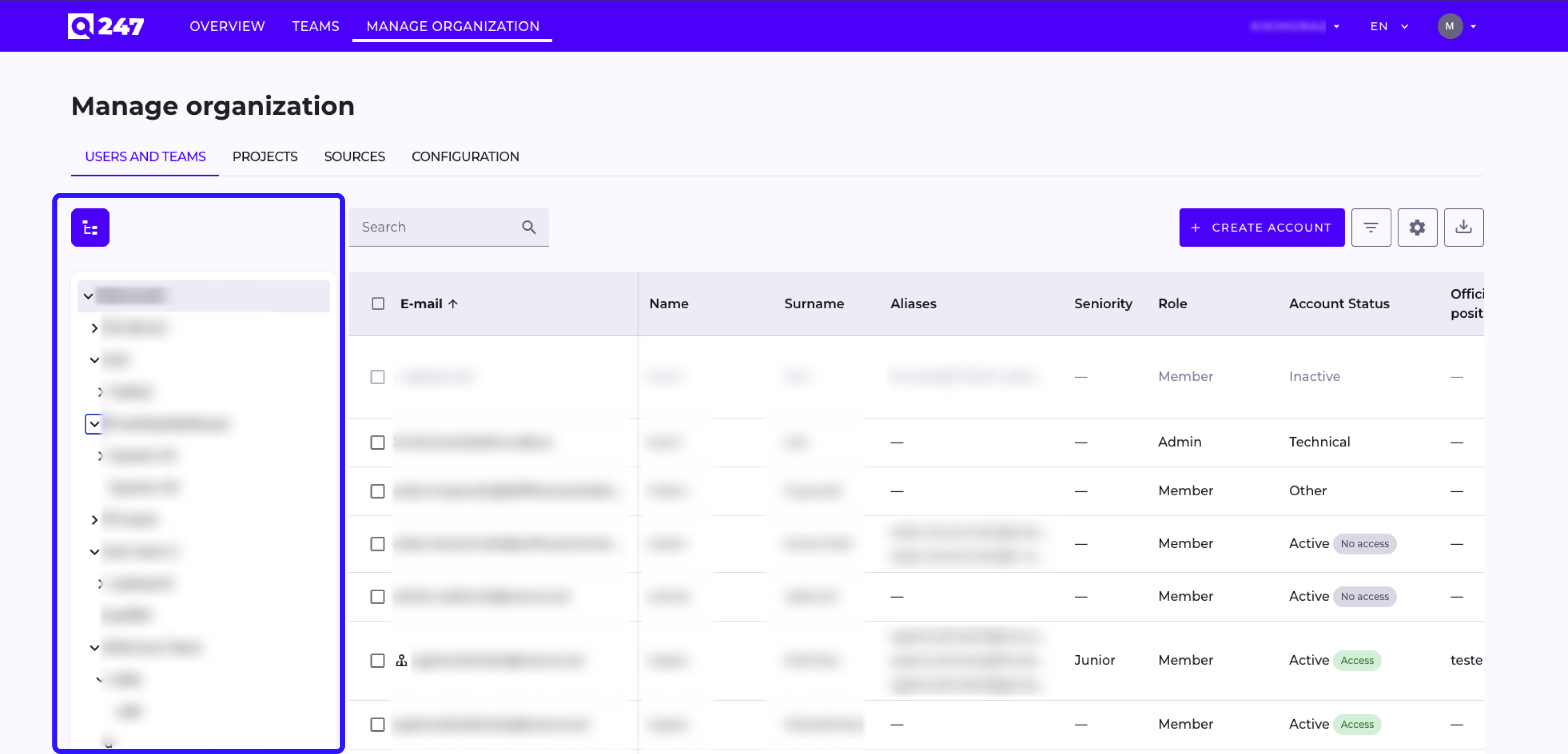
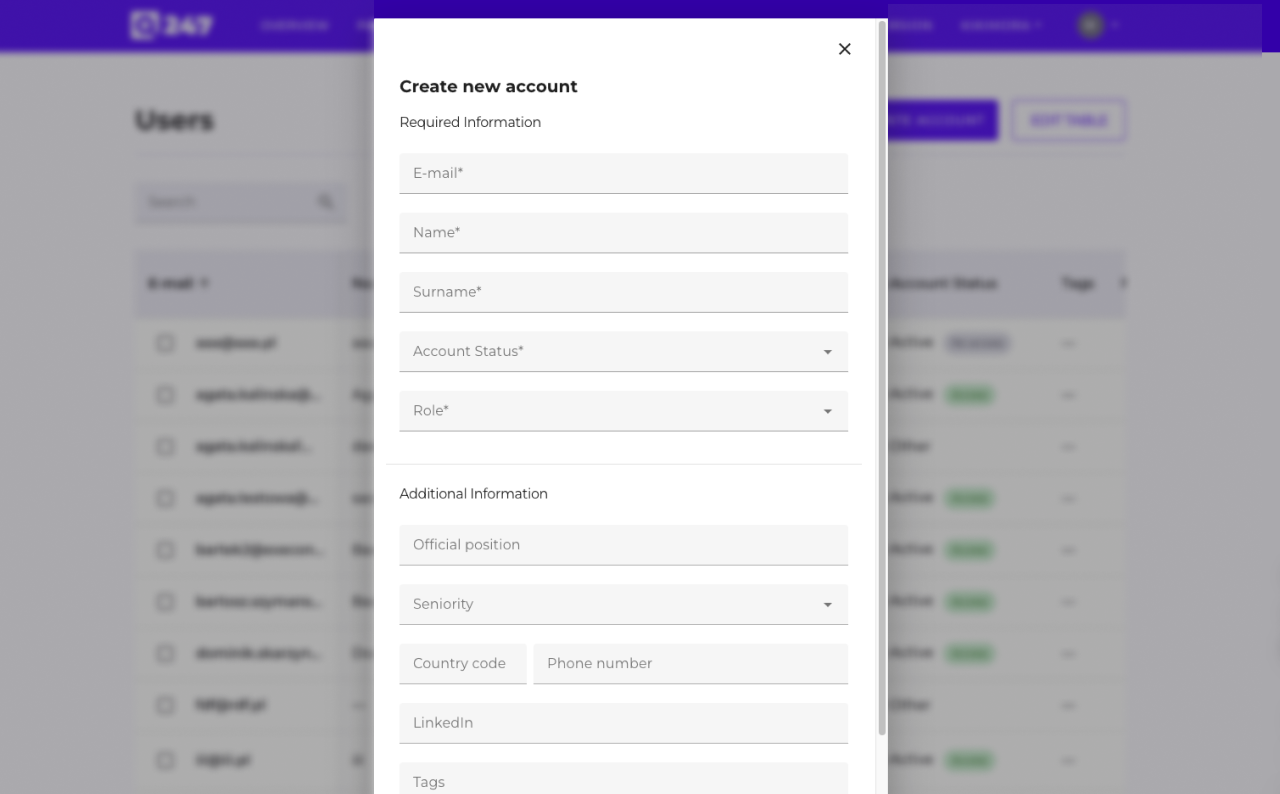
In the Users and Teams tab, we added the ability to build multi-level team structures with assigning users to nodes and granting roles (Manager / Team Member) at the level of a specific team. We also improved the search functionality in the Assign Team Members and Assign Managers modals – they now support "first name+last name" phrases and display user email addresses.
Rebuilt Permissions System
We redesigned the entire roles and permissions system in the Q247 platform. The new model is simpler, more predictable, and provides greater control over who has access to which data.
Simplified Organization-Level Roles
We retired the Owner role – its place is taken by a Manager assigned to the root node (_root) in the organizational structure. Users who previously held the Owner role retain full access to business data after migration.
Three Project Roles Instead of Eight
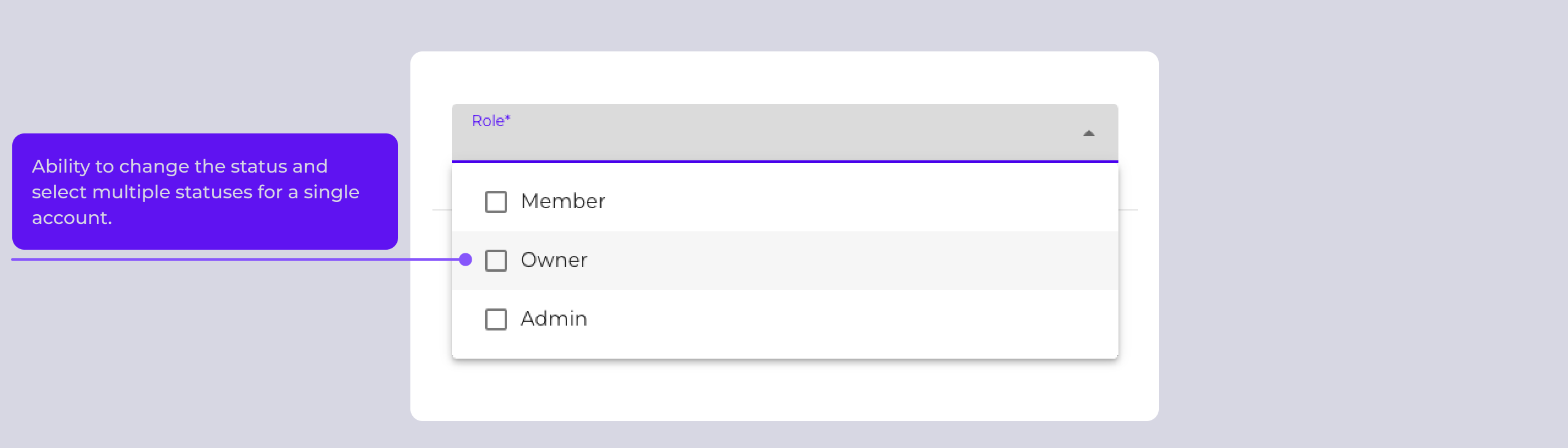
Instead of the previous eight project-level roles, we introduced three:
- Project Manager – full project management,
- Project Member – access to project data and metrics,
- Viewer – read-only access.
New Viewer Role
Viewer is a new role for users who need visibility into dashboards and reports without the ability to modify project configuration or data. The ideal role for stakeholders who consume metrics but are not part of the delivery team.
Roles in the Team Structure
Two roles are available in the team structure: Manager and Team Member. A user can hold different roles in different nodes, allowing precise modeling of actual areas of responsibility within the organization.
New Project Visibility Model – Three Access Paths
We introduced a consistent project visibility pattern based on three paths:
- Direct project participation (Project Manager / Member / Viewer),
- Access through team structure – project assigned to a team to which the manager belongs,
- Organizational access – through manager assignment in the organizational structure.
Every project created in the organization is automatically visible to users with organizational access, and the Select project dropdown shows only those projects the user actually has access to.
Working with Data and Projects
Assigning Projects to Teams
As part of the new team structure, you can assign projects to team nodes. This simplifies access management in larger organizations.
Moving Repository Data Between Projects
We added the ability to move repositories between projects. When changing the assignment:
- all previously scanned events (commits, merge requests, etc.) are automatically reassigned to the new project,
- data in dynamic tables is updated according to the new assignment,
- participants gathered in the repository history are also migrated.
CSV Export with Organization-Wide Data

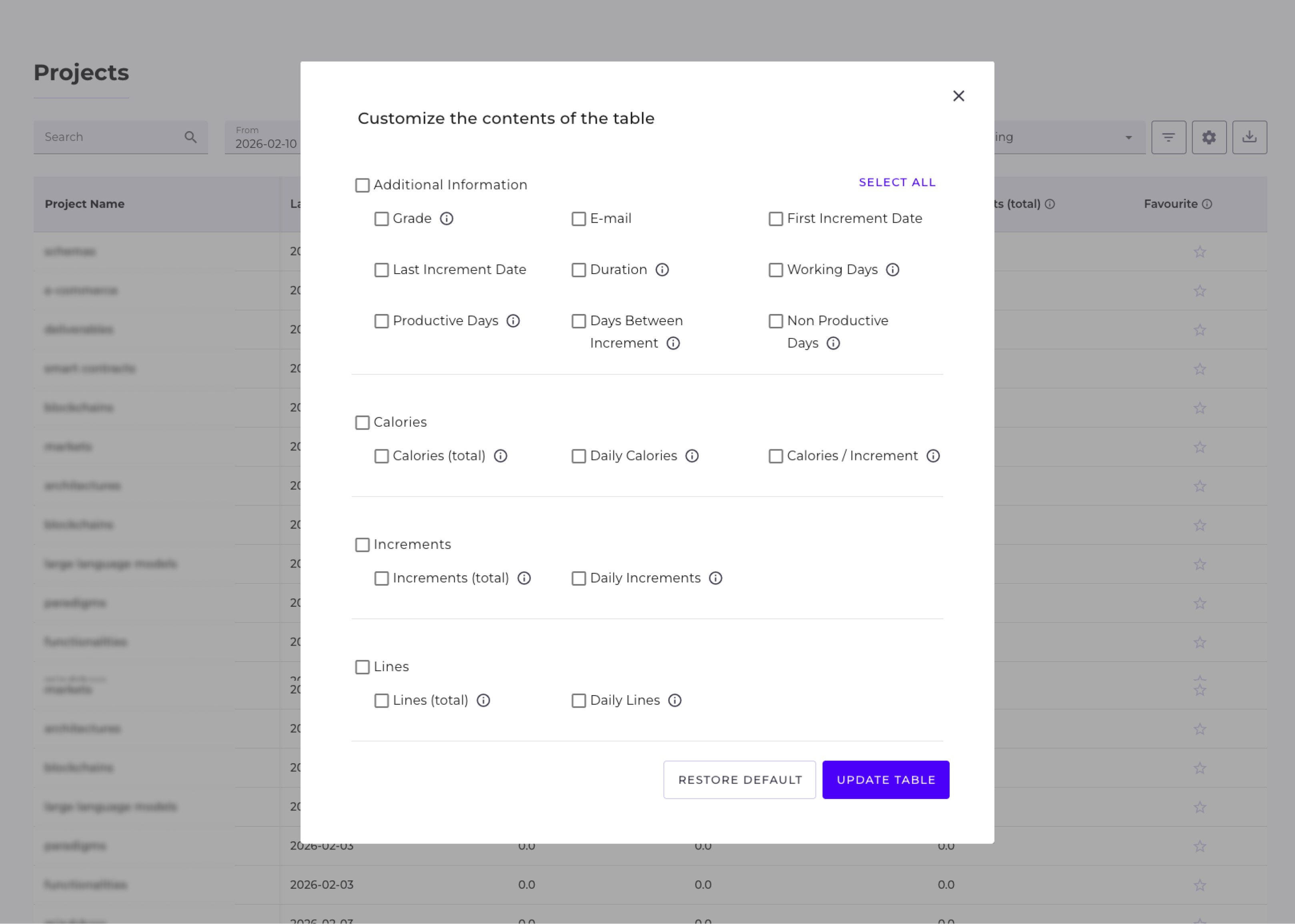
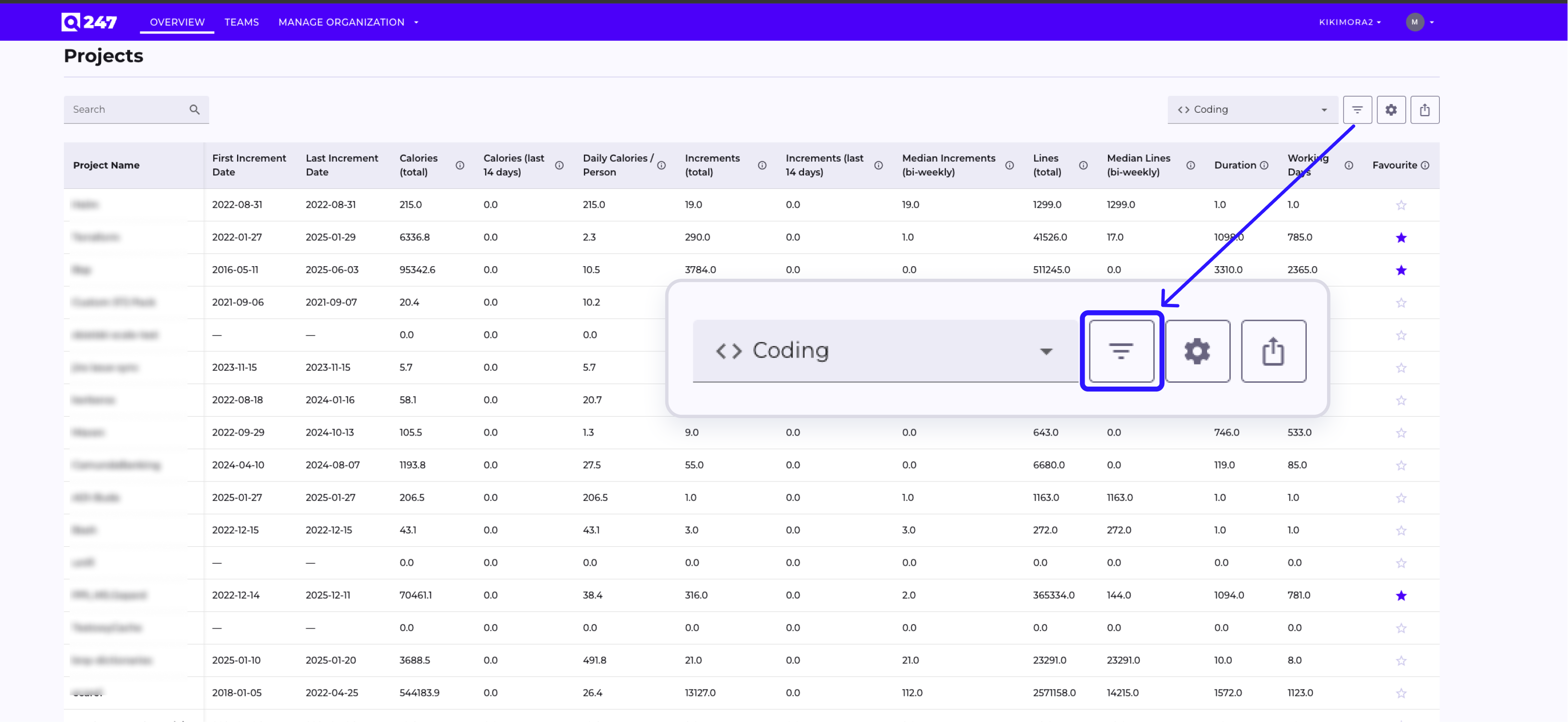
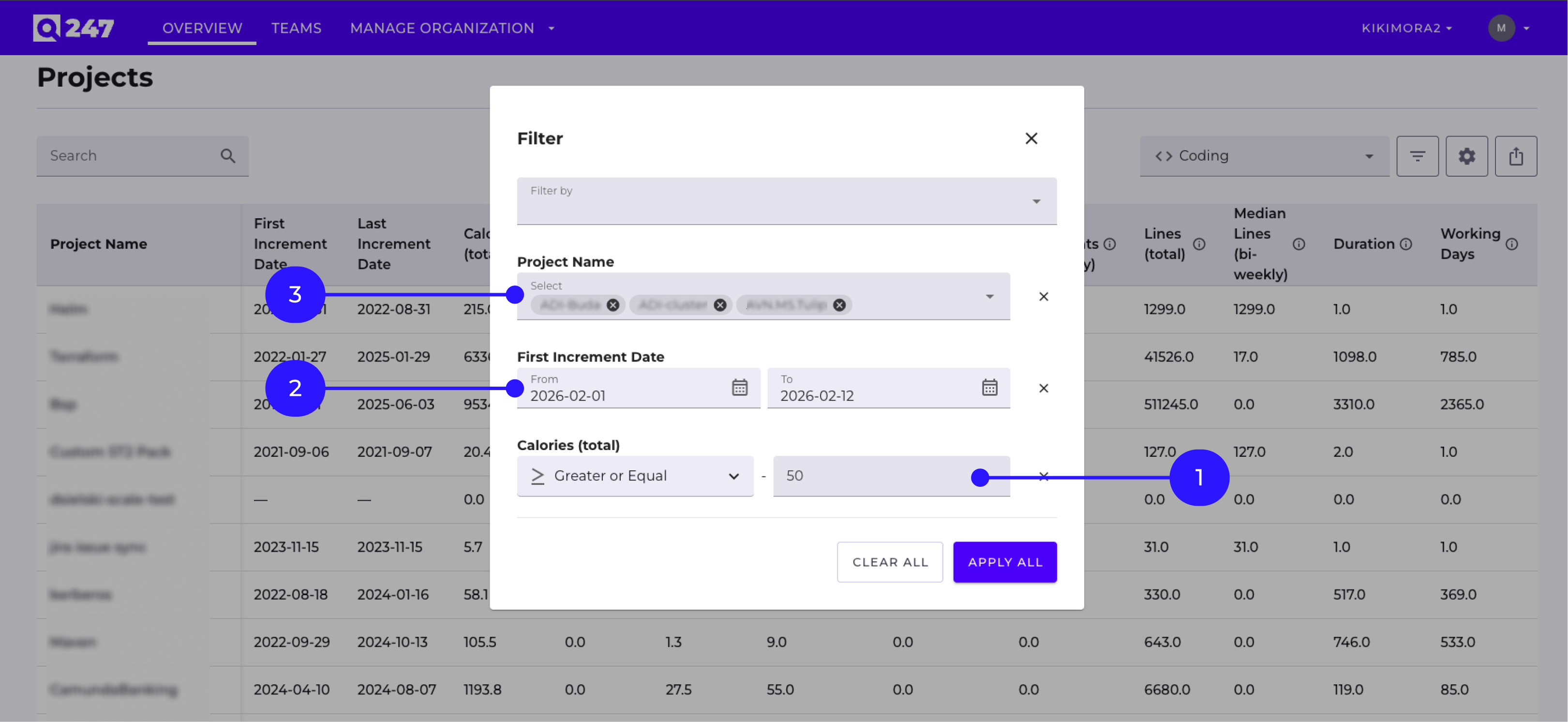
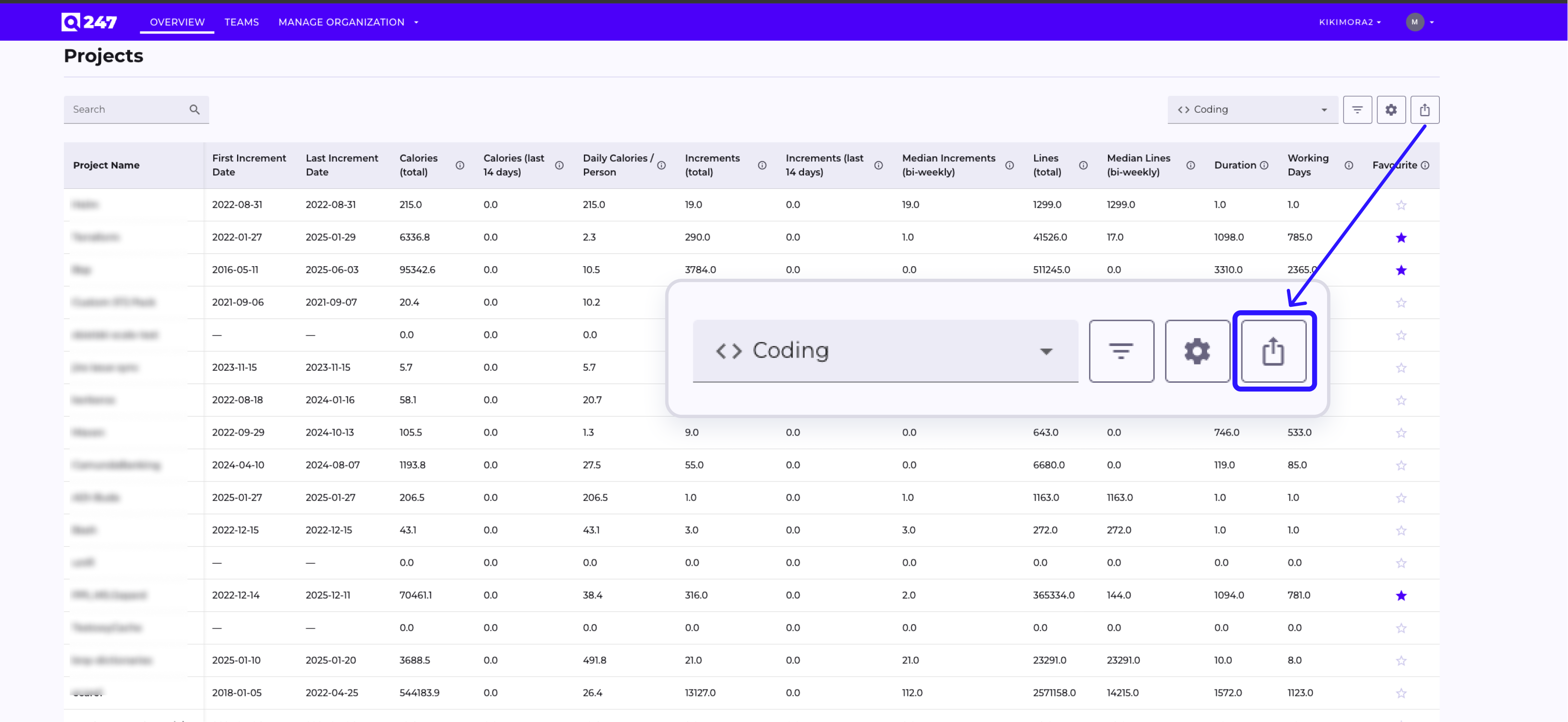
We expanded data export capabilities – in the new Integration with BI section, an administrator can download a CSV file containing increments from a selected period for selected projects (or all projects in the organization).
Available options include:
- date range selection (From / To),
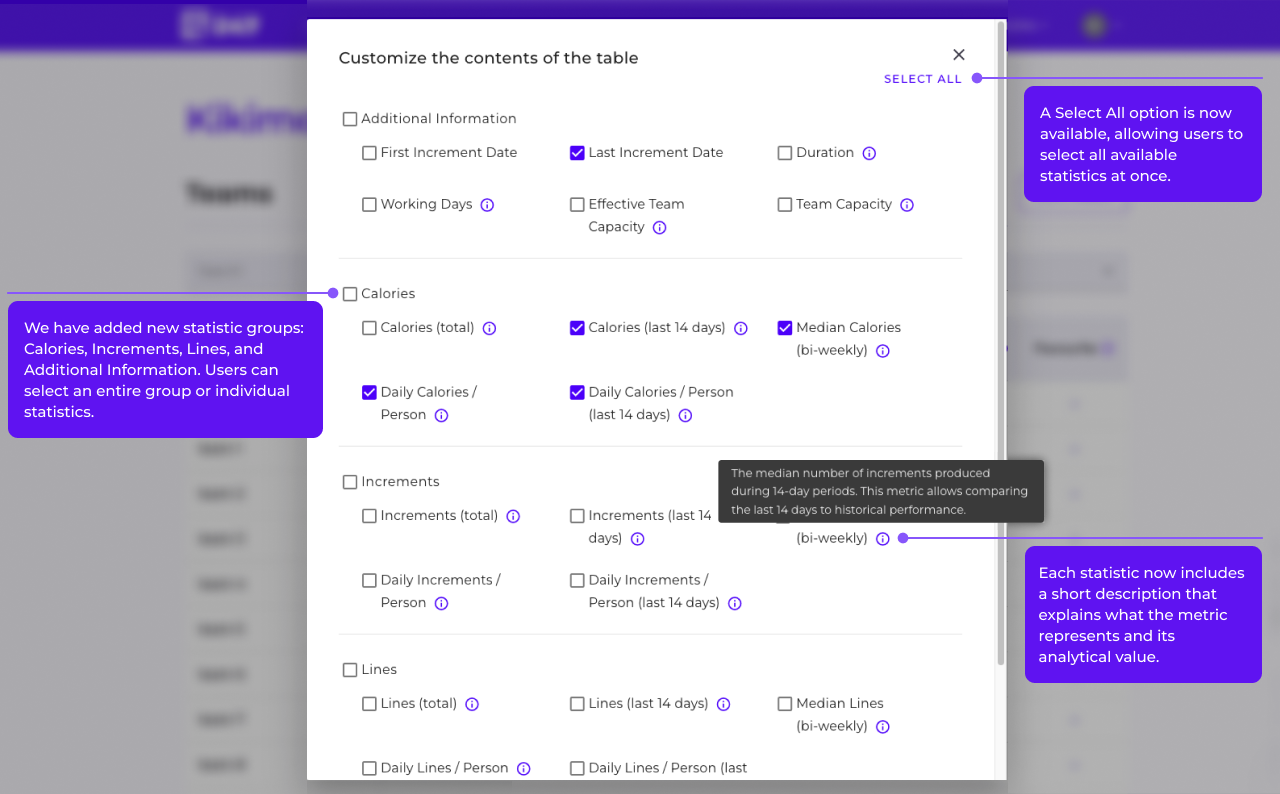
- project selection from a dropdown with search functionality and a Select All option,
- a CSV file with a timestamp in the name, correct encoding, and data in tabular format ready for analysis in Excel / Google Sheets / BI tools.
Other Improvements
- Improved calorie calculation for documentation work – we fixed a bug causing incorrect calorie calculation for events where a large amount of content is added at once (e.g. extensive descriptions in Jira tickets, longer entries in Confluence). Applying the fix requires updating the batch plugin on the client side.
- Numeric value formatting – numbers in tables are displayed on a single line with a thousands separator matching the locale.
- Operation confirmations – snackbars confirming the addition/removal of discriminators and sources in the Sources and Additional Rules views.
- Bulk operations in Manage Organization – bulk actions (start/stop scanning, assigning to project, setting interval) now execute on all selected items with progress display.
- Service Desk – a button has appeared in the application with a quick redirect to Jira Service Management, allowing users to submit a problem or inquiry without leaving the platform.
- UX fixes – a series of minor fixes improving daily work with the platform (including visibility of project manager chips, adding a Select All checkbox to tables, refreshing data after profile editing, consistent tab behavior).